Bulk Editing
Change thousands of planograms with the confidence of changing one.

Every field, any number of planograms
The property editors cover every field a planogram, position, or fixture has — the same fields you would touch one at a time in Space Planning, editable across an entire folder at once.
Field transfers make the edits smart: type [Desc1] into the Name field and every planogram receives its own Desc1 as its name. Rename fixtures with live values — BOTTOM SHELF [Segment] - [Width]x[Depth] becomes \"BOTTOM SHELF 1 - 48x22\" on each fixture it touches.

Aim precisely, then fire once
Bulk edits target exactly what you mean: positions by product and fixture type, fixtures by type, name (wildcards welcome), and location — top, mid, well, or a specific shelf number. The edit lands everywhere it applies and nowhere it does not.
The same editors export their data back out, so the audit trail is a spreadsheet away — and folder-wide cleanups remove invalid positions, invalid performance, and unallocated records in one pass.

The Drawing Manager: one grid, every drawing
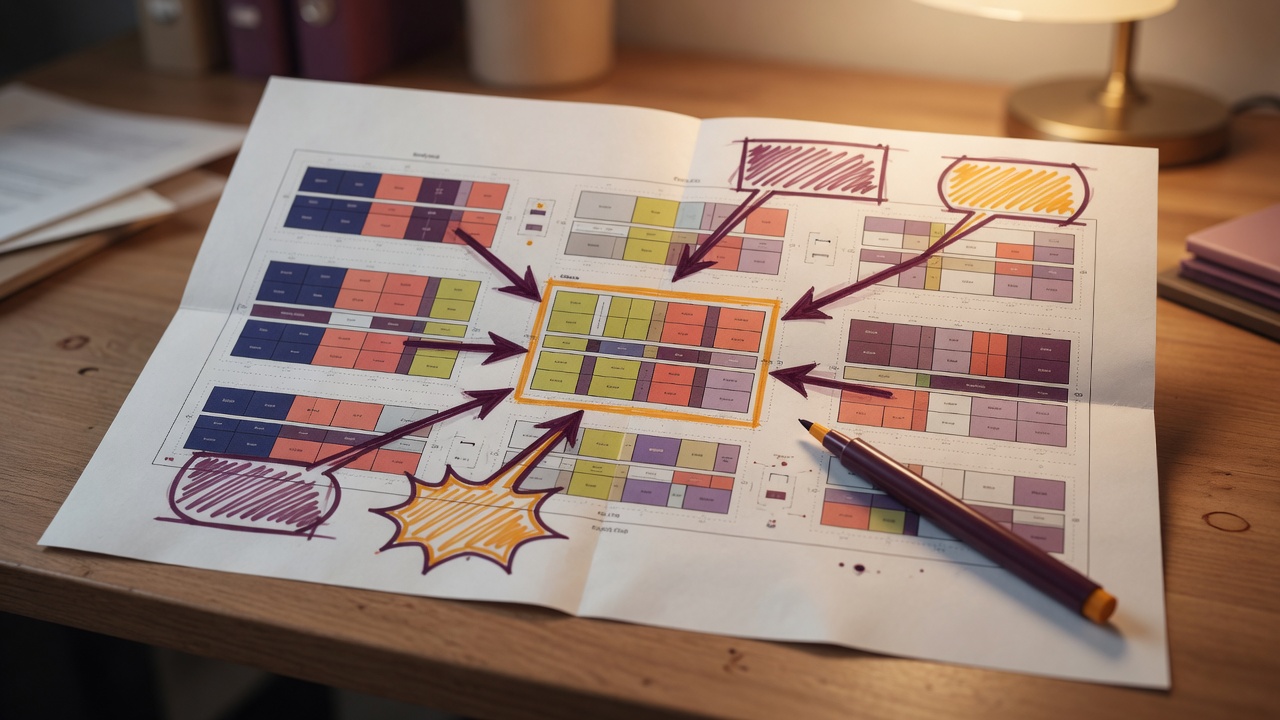
Planograms carry more than product — the arrows, callouts, labels, and shapes that guide the reset. The Drawing Manager pulls every drawing across the selected planograms into a single grid and groups identical drawings together, with a count of how many planograms carry each one. Edit one row and that drawing changes on every planogram it appears on.
Select several drawings of the same type and edit them together to merge them into one. Delete straight from the grid — or use targeted bulk delete by type, name, text, or location when a whole class of markup has to go.
Everything bulk editing covers
- Planogram property editor — every field, single or bulk
- Position property editor — every field, multiple products at once
- Fixture property editor — every field, with value-transfer renaming
- Performance editor — performance records across all selected planograms in one grid
- Drawing Manager — identical drawings grouped across planograms; edit once, change everywhere; merge and delete in bulk
- Merge and split positions by product, fixture type, and shelf location
- Field transfers: [FieldName] tokens copy values per row
- Fixture targeting by type, name with wildcards, and shelf location
- Bulk data exports for every object — positions, fixtures, performance, drawings, and planograms
- Bulk imports from spreadsheets or text files — update properties or insert new fixtures, positions, drawings, and performance
- Bulk performance updates matched by product properties and store fields — a 300-row file can update a million performance records, no spreadsheet pivots required
- Remove invalid positions and invalid performance folder-wide
- Remove unallocated records in bulk
- Recalculate planograms in bulk — refresh every calculated field across a folder in one pass
- Planogram and project properties editors work directly against files in the Folder Browser too