Work Offline
The relay doesn't stop when the connection does.
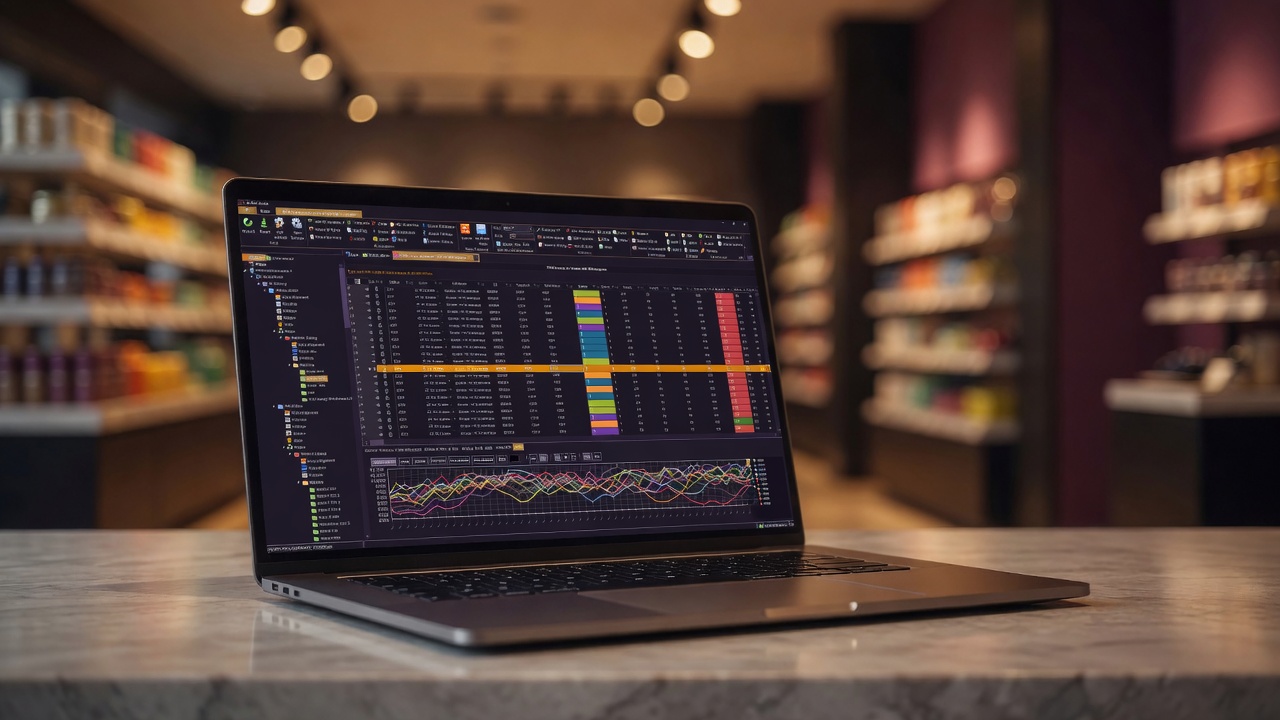
Check out, walk out
Heading to a retailer meeting, a store walk, or anywhere the database is not? Check your planograms out and they come with you — along with the same hierarchical menu you use every day: stores, categories, relays, drawing folders, all cached and familiar.
Checked-out planograms are locked for everyone else, with the lock owner visible — so the version you present is the version of record.
The same tools, no wire
Offline is not a viewer mode. Open planogram files, bulk recalculate, mirror in bulk — the tools work on the files in front of you. The Folder Browser extends the same idea to any drive, database or not: point it at a folder and every planogram's properties load into the grid — edit one planogram or a whole selection at once, and the changes write straight back into the files.
Back online, check-in takes seconds — and application settings, themes, and window layouts were local all along, so the app feels identical everywhere.

Everything offline includes
- Planogram check-out with visible locks and fast check-in
- Cached hierarchical menu: stores, categories, relays, drawing folders
- Open, bulk recalculate, and bulk mirror — disconnected
- Folder Browser works against any local, network, or removable drive
- Folder-aware display: planogram folders highlighted, protected folders marked
- Edit planogram and project properties direct to files, even inside multi-planogram projects
- Local application settings: themes, sizes, window state
- Project-pollution protection preserved on check-in